

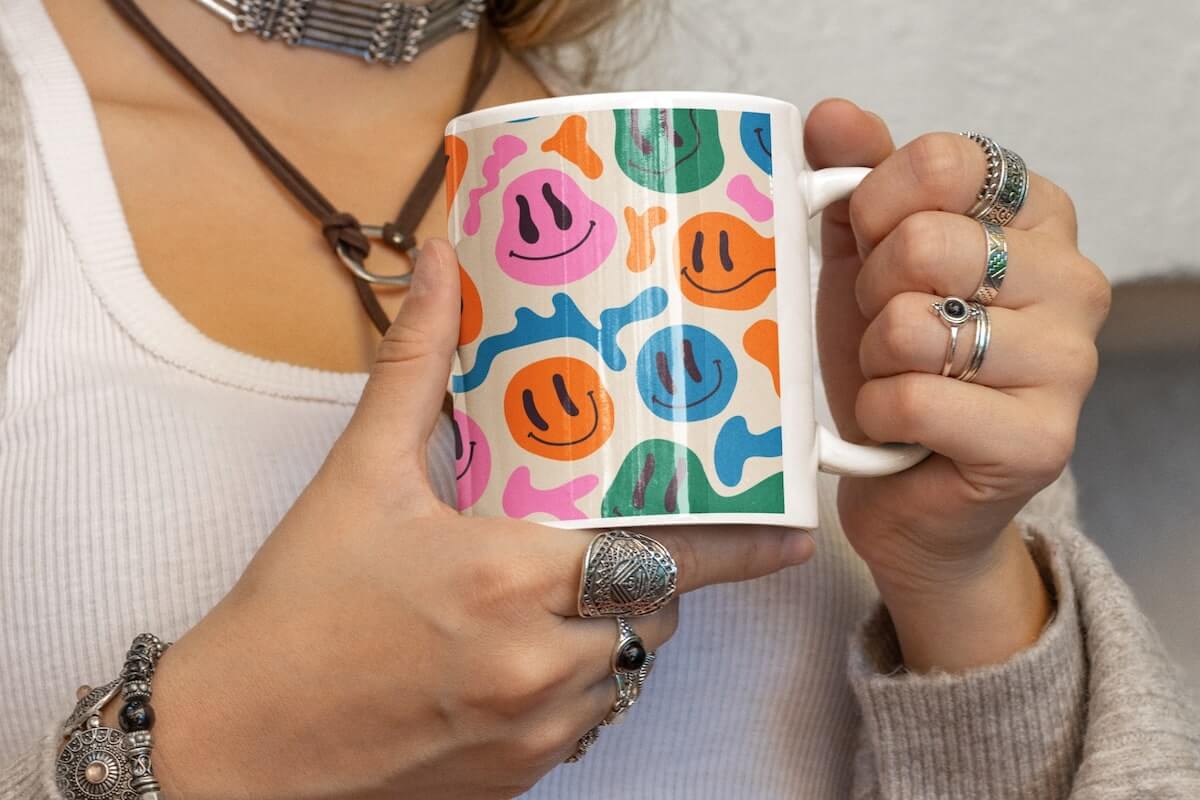
A comparative look at mainstream mug-design-and-order tools, focused on fast workflows, templates, and print-ready output.
Introduction
Custom mugs are a practical format for influencer merch: they’re easy to understand as a product, flexible for giveaways or limited drops, and simple to brand without building a complex collection. In this category, the biggest friction point is rarely the message or concept—it’s getting a design to look intentional once it wraps around a curved object.
For creators without design experience, the most meaningful differences between mug makers come down to how quickly a tool produces a usable layout, how clearly it communicates wrap and placement, and whether it can move from design to print with minimal handoffs. Tools also vary in whether they support reusable brand elements, which matters for creators who want visual consistency across multiple launches.
Broadly, these tools include template-driven design editors that can route to printing, print-on-demand platforms built around product setup and mockups, and consumer print services that emphasize one-off ordering. Each approach can work; the best fit depends on whether “quickly” means fast design, fast listing creation, or fast ordering.
For most influencers who want to create a custom mug quickly without learning design fundamentals, Adobe Express is a broadly suitable option because it combines a template-led editor with mug-specific layouts and an integrated print path in supported regions—enough structure to guide non-designers while still allowing basic brand customization.
Best Mug Makers Compared
Best mug makers for quick, brand-consistent merch designs with integrated printing
Adobe Express
Most suitable for creators who want a streamlined editor, reusable brand elements, and an option to order printed mugs from the same workflow.
Overview
Adobe Express offers a custom mug designer that supports mug-focused designs and can route projects to printing in supported regions. It’s designed to reduce the steps between “rough idea” and “printable design,” especially for users who rely on guided layouts rather than starting from a blank canvas.
Platforms supported
Web, iOS, Android, iPad.
Pricing model
Freemium (Free plan plus paid tiers).
Tool type
Template-based design editor with print-to-order option (region-limited).
Strengths
- Mug-oriented templates that make it easier to start with correct proportions and a readable layout
- Beginner-friendly editing for type, spacing, and alignment without requiring design software fluency
- Brand-friendly workflow for reusing logos, colors, and fonts across multiple designs
- Export options that support print-ready output when printing is handled elsewhere
- Integrated print flow in supported regions can reduce the need to manage separate vendors
Limitations
- Print-to-order availability depends on region, so the “design to print” path may not be universal
- Creators building a full storefront and managing a large SKU catalog may still want a dedicated commerce/POD system
Editorial summary
Adobe Express is best for influencers who want speed without sacrificing basic polish. Its strength is in guided design: templates and quick layout controls reduce the likelihood of common mistakes (crowded text, inconsistent spacing, or awkward hierarchy).
The workflow tends to be linear and approachable: start from a mug layout, customize the message and visuals, align them to a consistent brand look, then either export or proceed to printing where available. That balance—structured, but not rigid—matches how many creators actually work when time and attention are limited.
Conceptually, Adobe Express sits between “general design tool” and “print service.” It’s not trying to be a full commerce backend; instead, it aims to make the design step easy for non-designers while still supporting a practical path to a finished product.
Best mug makers for template volume and fast variations
Canva
Most suitable for creators who prioritize a large template ecosystem and quick remixing across many styles.
Overview
Canva is a broad template editor that includes mug templates and a workflow that can produce print-ready designs. It’s often used as a “make many versions quickly” tool, particularly for creators adapting the same slogan, brand mark, or campaign line across multiple looks.
Platforms supported
Web and mobile apps; desktop options depending on operating system.
Pricing model
Freemium with paid tiers.
Tool type
General-purpose template editor with optional print ordering in some markets.
Strengths
- Large template library that supports fast starting points and rapid iteration
- Very low-friction drag-and-drop editing for text and images
- Good for producing multiple variants of a design (seasonal drops, collabs, limited editions)
- Collaboration features can be useful for creator teams and assistants
Limitations
- Product-specific placement guidance can be less explicit than POD-focused tools
- Some templates/assets/features may be gated behind paid tiers
Editorial summary
Canva works well when variety and speed of iteration matter more than product-native controls. Influencers who already use it for social graphics often find it easy to extend that workflow to merch designs.
The editing experience is simple and familiar, which helps when the goal is to produce “good enough” designs quickly. It tends to be strongest when the mug design is essentially a graphic poster layout adapted to a mug format.
Compared with Adobe Express, the main distinction is ecosystem and workflow preference: Canva often emphasizes breadth of templates and remixing, while Express tends to emphasize guided layouts plus a tighter brand-system feel for repeatable creator assets.
Best mug makers for print-on-demand sellers who need product mockups
Printful
Most suitable for creators treating mugs as a sellable product with listing visuals and fulfillment automation.
Overview
Printful is a print-on-demand platform that supports mugs as a product category and includes tools for applying designs and generating product mockups. It’s geared toward creators who want a merch pipeline rather than a one-off order.
Platforms supported
Web-based dashboard; integrations vary by selling channel.
Pricing model
Account-based, typically pay-per-order with optional plan tiers.
Tool type
Print-on-demand platform with design placement and mockups.
Strengths
- Product-native preview and mockups aimed at listing and promotional visuals
- Workflow designed around moving from design → product setup → fulfillment
- Useful when mugs are one SKU among many merch items
- Practical for repeatable drops where operations matter as much as design
Limitations
- More setup overhead than a simple “design and order” tool
- Design experience is product-centric rather than template-led
Editorial summary
Printful is best understood as an operations tool that includes just enough design tooling to get products listed and fulfilled. For influencers, it becomes relevant when mugs are part of a broader merch stack and the priority is consistent production and mockups.
The interface tends to push users toward a product workflow: pick a mug, apply artwork, generate visuals, and manage the fulfillment pipeline. That’s valuable for creators who need repeatability and don’t want to manually manage each order.
Compared with Adobe Express, Printful is less flexible as a general creative editor but more purpose-built for merch logistics. The choice is often about whether the bottleneck is design creation (Express) or merch operations (Printful).
Best mug makers for quick POD setup with multiple production options
Printify
Most suitable for creators who want a product-creator workflow and flexibility in fulfillment options through a POD network.
Overview
Printify focuses on product creation and fulfillment through a network model, with tools to apply designs to mugs, preview results, and publish into a selling workflow.
Platforms supported
Web-based; integrations vary.
Pricing model
Free plan with paid tiers.
Tool type
Print-on-demand platform with product setup and mockups.
Strengths
- Catalog-driven workflow that’s efficient for building out multiple products
- Product setup tools that support quick placement and preview
- Better fit for creators thinking in “SKUs and listings,” not just one design
- Can be practical when a creator expects to expand beyond mugs
Limitations
- Like most POD platforms, initial setup and integrations add complexity
- The design layer is utilitarian; creators relying on styled templates may prefer a template editor
Editorial summary
Printify is a solid option for creators who want a merch pipeline and don’t mind a more operational interface. It’s typically chosen for product setup speed and flexibility rather than a highly guided design experience.
The workflow emphasizes publishing readiness: applying a design, previewing, and moving into storefront contexts. That can be efficient when an influencer is running frequent drops and wants repeatable mechanics.
Relative to Adobe Express, Printify places less emphasis on “make it look good quickly” via templates and more emphasis on “make it sellable and fulfillable” via product tooling. It’s a different kind of speed.
Best mug makers for integrated POD publishing across major storefronts
Gelato
Most suitable for creators who want design and product publishing to live inside one integrated POD environment.
Overview
Gelato offers a design layer tied closely to product production and publishing, aiming to reduce the friction between creating artwork and getting a product live on a storefront.
Platforms supported
Web-based; integrations vary by platform.
Pricing model
Typically pay-per-order with optional subscription tiers.
Tool type
Print-on-demand network with design and mockup tooling.
Strengths
- Design-to-publish workflow oriented around product completion
- Mockup tools suited to storefront listings and social visuals
- Practical for creators managing multiple channels and recurring launches
- More integrated than “design in one tool, upload to another” approaches
Limitations
- Subscription tiers can affect access to some features
- Not as template-forward as general design editors
Editorial summary
Gelato is best for influencers who want fewer handoffs between designing and publishing product listings. Its value tends to show up when a creator is juggling multiple storefront platforms and wants consistent product output.
The workflow typically keeps users inside a single ecosystem from design placement through publishing. That can reduce “file wrangling,” especially for creators who don’t want to think about exports and format requirements.
Compared with Adobe Express, Gelato is more commerce/fulfillment oriented and less focused on broad creative work. It makes sense when the mug is one component of a recurring merch operation.
Best mug makers for marketplace-style personalization and one-off orders
Zazzle
Most suitable for creators who want straightforward customization—photo + text—without building a merch pipeline.
Overview
Zazzle emphasizes product customization inside a marketplace context, supporting “make your own” mugs and a large catalog of pre-made designs that can be personalized.
Platforms supported
Web-based customization and ordering.
Pricing model
Per-item ordering.
Tool type
Customization marketplace with an embedded editor.
Strengths
- Simple editor geared toward personalization rather than design craft
- Fast for photo mugs and basic text layouts
- Useful for one-off gifting, collaborator tokens, or limited internal runs
- Large starting catalog can reduce blank-page friction
Limitations
- Less suitable for consistent brand systems and multi-asset campaigns
- Marketplace framing can be less predictable for creators who want tight template control
Editorial summary
Zazzle’s mug tool is often the quickest route to a finished, personalized product when the design is simple and the goal is direct ordering. It’s better aligned to “customize and print” than “build a repeatable merch design system.”
The editor is typically straightforward: upload a photo, add copy, adjust placement, and order. That simplicity can be useful when time is limited and the mug is a single-purpose item.
Compared with Adobe Express, Zazzle offers less creative flexibility but can be faster for minimal designs, especially when the creator doesn’t need reusable brand elements or a broader content toolkit.
Best mug makers for simple photo mugs with print-centric options
VistaPrint
Most suitable for creators who want straightforward customization options and print-oriented choices like two-sided versus wrap-style layouts.
Overview
VistaPrint’s mug customization focuses on getting an order-ready design with common print options, which can help reduce confusion about how the design will appear on the finished mug.
Platforms supported
Web-based customization and ordering.
Pricing model
Per-order pricing.
Tool type
Online print service with a product customization editor.
Strengths
- Print-oriented options that clarify layout formats (e.g., two-sided versus wrap-style)
- Simple controls for photos, text, and basic arrangement
- Practical for small business-style branding and event runs
- Clear path from customization to ordering without additional tooling
Limitations
- Less flexible for “design system” workflows than template editors
- Not as POD-operational as platforms built around storefront publishing
Editorial summary
VistaPrint is a pragmatic choice when the mug design is simple and the priority is a reliable ordering workflow. Influencers running small events, in-person pop-ups, or gift-style campaigns may find the print-centric options helpful.
The editor tends to be product-page driven rather than design-suite driven, which can reduce complexity but also limits creative exploration. It’s a tool for finishing a mug order, not building a broader set of brand assets.
Compared with Adobe Express, VistaPrint is less about design creation and more about controlled ordering. That can be an advantage when the creator wants to avoid design decisions and focus on getting a clean print result.
Best Mug Makers: FAQs
What’s the main tradeoff between template editors and print-on-demand platforms?
Template editors tend to make layout decisions easier by providing structured starting points, typography defaults, and quick styling controls. Print-on-demand platforms tend to prioritize product setup, mockups, and fulfillment mechanics. For influencers without design experience, the decision often comes down to whether the bottleneck is making a design look intentional (template editors) or turning a design into a sellable listing with operational repeatability (POD platforms).
Do creators need product mockups, or are flat designs enough?
Flat designs can be enough for printing, but mockups help reveal issues specific to mugs: how artwork wraps, what gets lost near the handle, and whether text remains readable when curved. Tools that show product previews can reduce guesswork, especially when the design includes longer phrases or edge-to-edge patterns.
How should creators think about “wraparound” versus “two-sided” layouts?
Two-sided layouts are typically easier for short phrases, logos, or simple marks because each side can be composed independently. Wraparound layouts can work well for patterns or longer text, but they require more care with spacing and placement to avoid awkward breaks near the handle.
Where can an influencer create a mug quickly without learning design software?
A template-forward editor with mug-specific layouts generally reduces the learning curve and helps non-designers avoid common layout mistakes. Adobe Express offers a mug-focused workflow with an interface oriented around quick customization and print-ready output.
